
The guide
Core Guide
Plain-English steps with a picture beside them. Written for Mac, with short notes where Windows, iPhone, or iPad differs. Grok Bot and Muse paths are included.
For busy small-business owners
A plain-English guide, plus Susie, an AI bookkeeper you set up on Grok Bot or Meta Muse. She drafts the tidy-up. You approve it. She never touches the checkbook.
One guide. Two ways to run it. Grok Bot gets a ready-made template. Meta Muse gets a setup guide (Soul and identity). Same bookkeeping rules. Free for now.
Free for now
Free
The guide, the prompts, and Susie setup for Grok Bot or Muse. No card. No subscription.
Get the free guideA paid version may come later. This site does not charge a card.
Where it runs
Grok Bot (xAI) or Meta Muse. Pick the platform you already use, or plan to use. You need your own account on that platform. This free guide does not include it.
Grok Bot is an xAI product, in the same founder ecosystem as SpaceX. SpaceX does not own Grok Bot. Meta Muse is a Meta product. This guide is not made or endorsed by xAI, SpaceX, or Meta.
Written for Mac. Also works on Windows PC, iPhone, and iPad where the platform supports them.
One product
The free guide covers the steps, the prompts, and Susie for the platform you choose.

Meet Susie
Susie is the ready-made bookkeeper you set up on your own Grok Bot or Meta Muse. She is a made-up character, not a licensed bookkeeper or a CPA. She never touches the checkbook.
The guide
Plain-English steps with a picture beside them. Written for Mac, with short notes where Windows, iPhone, or iPad differs. Grok Bot and Muse paths are included.
The prompts
The prompts the guide uses, gathered in one place so you can copy them without hunting through chapters.

The setup
On Grok Bot: a template you copy into your own bot. On Muse: a setup guide for your one personal agent (Soul and identity). Nothing installs on its own. Susie is a made-up clerk, not a licensed bookkeeper.
A video walkthrough is planned. It is not ready to watch yet.
Who it's for
You run a service business, a trade, or a small shop. You might be solo, or you might have a small crew, up to about 10 people. You want cleaner books without handing over the checkbook.
How it works
Everyone gets the same bookkeeping rules and the same "AI drafts, you approve" guardrails. After you get the guide, pick Grok Bot or Meta Muse.
Path A
Copy the Susie the Bookkeeper template into your own Grok Bot, then follow the guide. The thank-you page has the template link.
Path B
Customize your one personal Muse agent with the Susie Soul and setup guide. Muse has no shareable bot template to import.
It is free. Send the short form with your email and company name. The next page has the download.
Grok Bot: open the template link and copy her in. Muse: follow the Muse setup guide included with the free guide.
Start with statements you download. Susie never gets your bank password. A secure read-only connection is your choice.
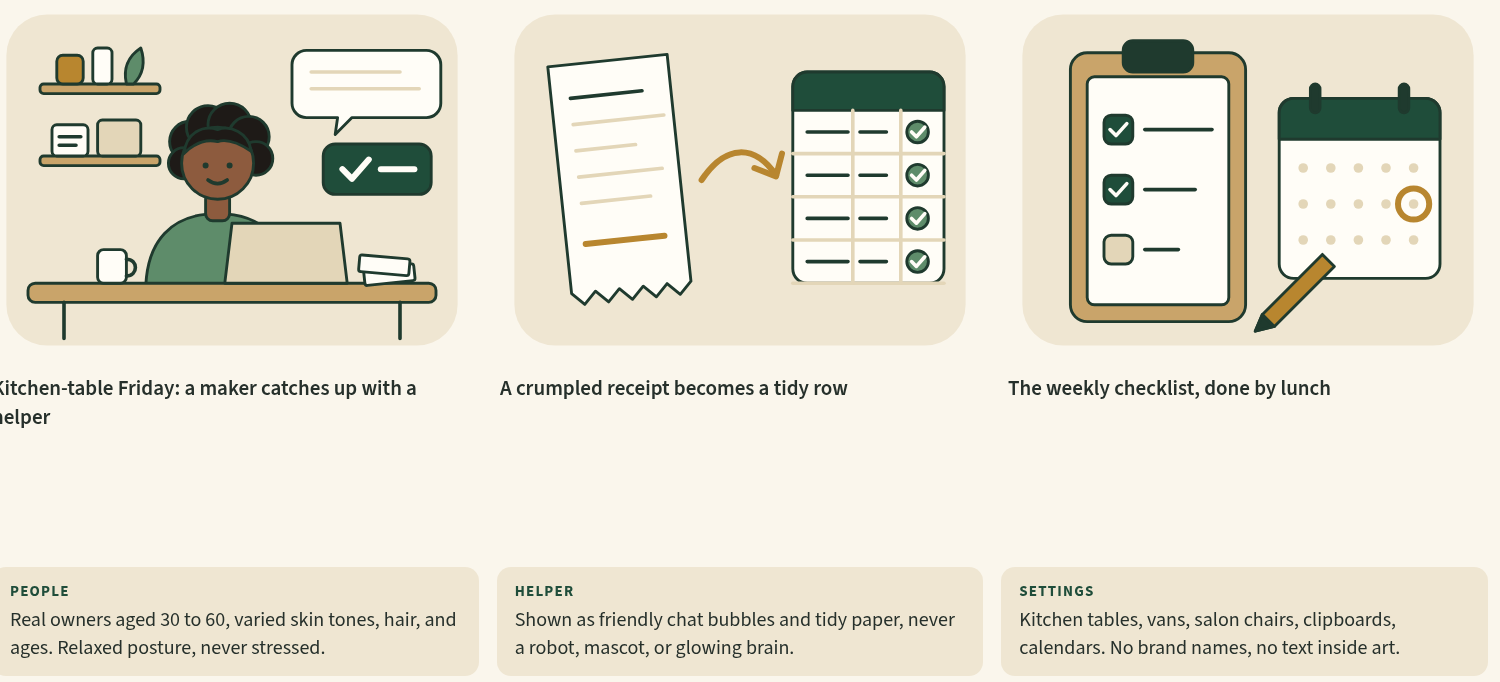
She can sort transactions, flag what does not match, and draft a plain-English monthly report. You decide what is right.
Guardrail
Susie Bookkeeper is AI software. It is not a licensed bookkeeper or a CPA. You approve everything before it counts. It does not file taxes, sign for you, or give tax advice.
Made-up example
Dana Reyes runs Bluebird Lawn & Garden, a landscaping shop that is not a real business. Her clerk, Susie, drafts a weekly summary and flags a transfer to savings so Dana does not treat it as income. Dana checks the numbers and approves. Nothing moves unless Dana moves it herself.
Free guide
The guide is free. Email and company name are required. The other fields help us see who the guide is for. Nothing here charges a card.
A paid version may come later. This form does not take payment.
This form is not connected yet. Submitting it does not save your details and does not send the guide. The download page stays empty until file links are added too.
FAQ
Yes. The guide is free for now. You send a short form (email and company name are required) and the next page has the download. There is no card and no subscription. A paid version may come later. This site does not charge you.
After you send the form, you land on the thank-you page. Download buttons there appear when the file links are connected. Opening that page by itself is not proof the form was saved.
A Core Guide, a prompts file, and Susie setup for the platform you choose. On Grok Bot you get a template link. On Muse you get a Muse setup guide (Soul and identity). A video walkthrough is planned but not ready yet.
Both paths use the same bookkeeping rules and the same "AI drafts, you approve" guardrails. Grok Bot lets you copy in a ready-made Susie template. Meta Muse is one personal agent per account, so there is no template import. You customize your Muse with the included Muse setup guide instead. Muse instructions are included. Click-path screenshots are being finished.
Susie is the name on the clerk, like a junior bookkeeper. She sorts, matches, and drafts. She does not pay bills, move money, change bank details, send mail on her own, file, or sign. You approve her work. You can rename her. You set her up in your own Grok Bot or Muse.
If you can send an email and download a file, you can follow the guide. It is written for Mac. Grok Bot and Muse can also run on other devices where those platforms support them. Setup is easiest on a computer.
Grok Bot (xAI) and Meta Muse. Grok Bot is an xAI product, in the same founder ecosystem as SpaceX. SpaceX does not own Grok Bot. Meta Muse is a Meta product. This guide is not made or endorsed by xAI, SpaceX, or Meta. You need your own account on the platform you choose. This free guide does not include that account.
Susie never gets your bank password. A secure read-only connection is your choice. The simple path is to download statements yourself. She is not allowed to move money.
No. This is AI software and an educational guide. It is not a licensed bookkeeper or a CPA, and it is not tax, legal, or accounting advice. The AI drafts. You approve everything. Tax decisions stay with a qualified CPA.
No. The guide starts from spreadsheets and statement files you download. It does not promise a one-click connection to QuickBooks or any other accounting app.
Get the free guide and Susie setup for Grok Bot or Muse. The AI drafts. You approve.
Get the free guideFree for now. No card. A paid version may come later. Educational only, not tax advice. For Grok Bot (xAI) or Meta Muse.